Smart TV Remote Pro
Control your Smart TV from your phone over Wi‑Fi. No account, no subscription.
Compatible with Samsung Smart TVs only.
Everything happens on your local Wi‑Fi—no account, no cloud, no subscription.
Screenshots
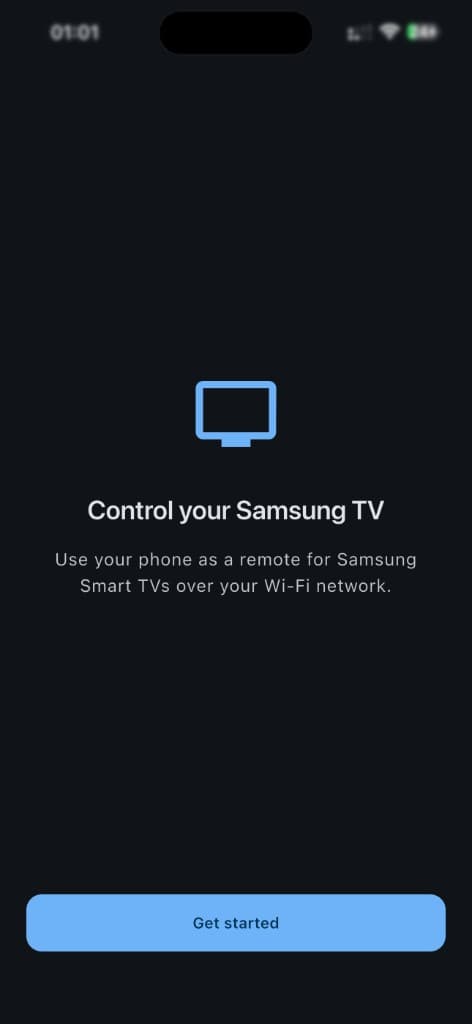
Onboarding — Control your TV
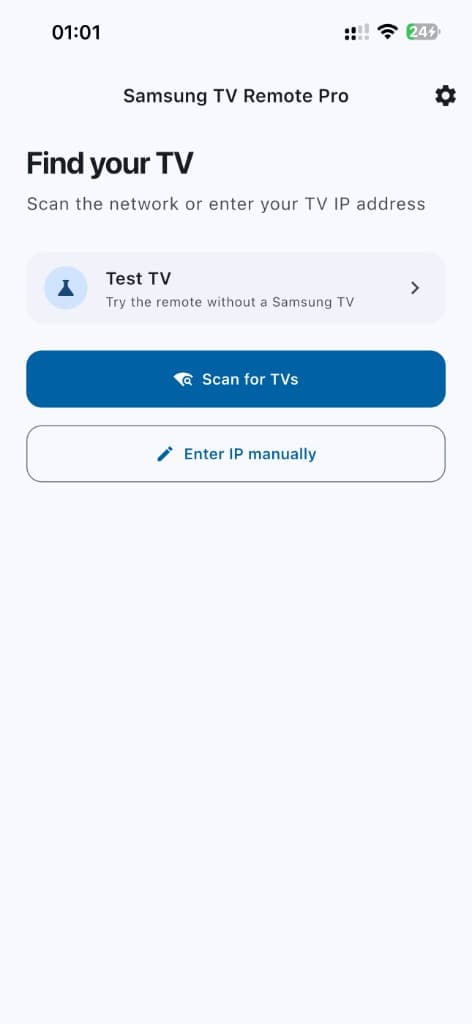
Find your TV — Scan or enter IP
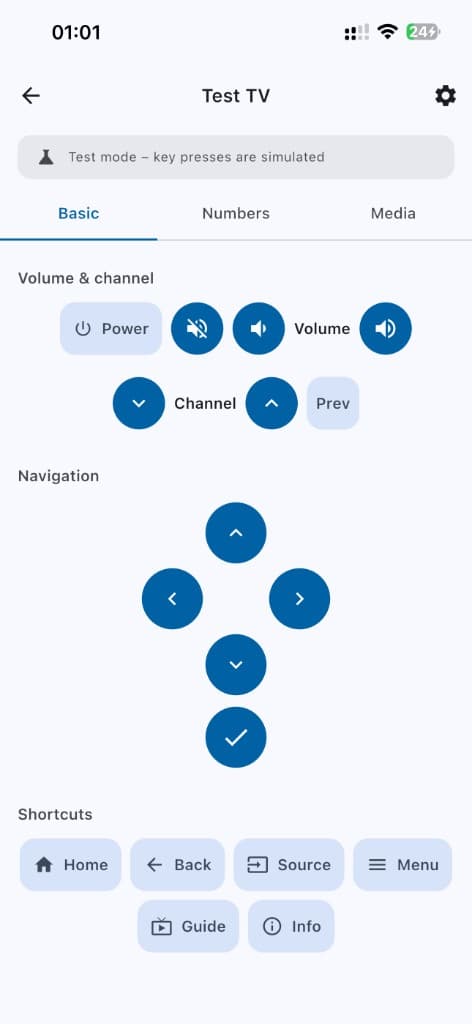
Remote — Volume, channel, D-pad, shortcuts
How it works
- •Your phone and TV must be on the same Wi‑Fi network.
- •The app discovers TVs on the network or lets you enter the TV’s IP address to connect.
- •Once connected, it sends the same key presses (power, volume, channel, D‑pad, etc.) that a physical remote sends, using the TV’s standard remote API over the local network.
What you can do
Discovery
Scan for compatible TVs on the network or add a TV manually by IP.
Remote control
Full on-screen remote: power, mute, volume, channel, D‑pad, OK, and shortcuts (Home, Back, Source, Menu, Guide, Info).
Numbers & media
Digit pad 0–9, rewind, play, pause, stop, fast forward for built‑in apps and connected sources.
Settings
Light, dark, or system theme; app version; links to Privacy Policy and Terms of Service. First-launch onboarding.
Features
- ✓Control compatible Smart TVs over Wi‑Fi—no account or subscription
- ✓Scan for TVs on your network or connect by IP address
- ✓Full remote: power, volume, mute, channel, D‑pad, OK
- ✓Shortcuts: Home, Back, Source, Menu, Guide, Info
- ✓Number pad 0–9 for direct channel entry
- ✓Media controls: rewind, play, pause, stop, fast forward
- ✓Light, dark, or system theme in Settings
- ✓Privacy Policy and Terms of Service in-app
- ✓First-launch onboarding
- ✓Works on the same Wi‑Fi only; no data sent to the cloud
Requirements
- Device: Phone or tablet (Android or iOS).
- TV: Compatible Smart TV (e.g. Samsung Smart TVs, 2016 and later, Tizen-based).
- Network: Phone and TV on the same Wi‑Fi network.
- Permissions: Local network (and on iOS, the described system permissions) used only for discovering and controlling the TV.
Version 1.0.0 (build 1). Communication is device-to-TV on your Wi‑Fi; no data is sent to external servers.
Legal & Support
Full legal pages and support information for App Store compliance:
- Privacy Policy— No account, no data collection, local use only
- Terms of Service— Use of app, warranty, liability
- Support— Contact, FAQ